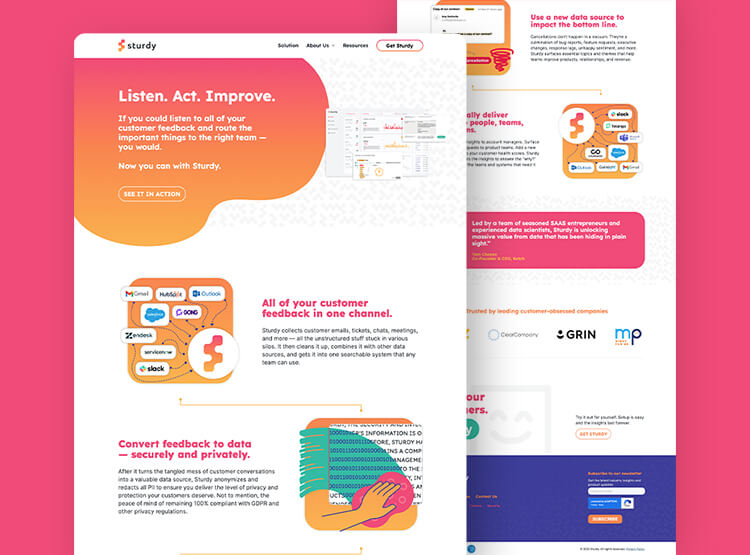
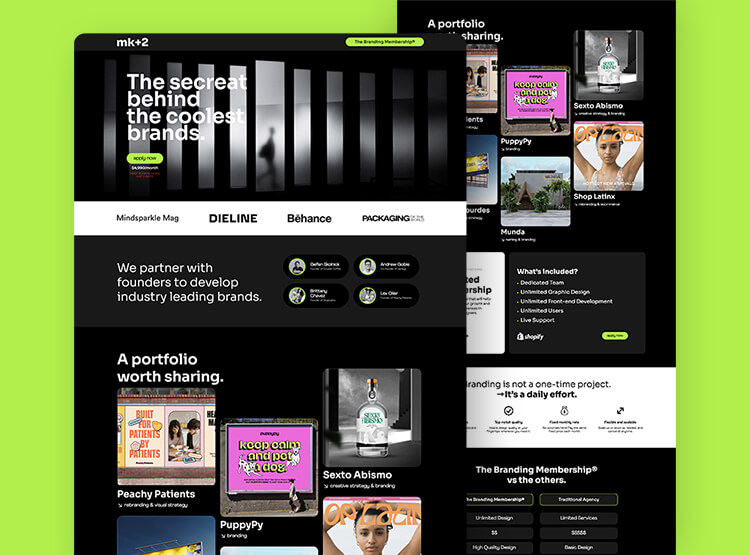
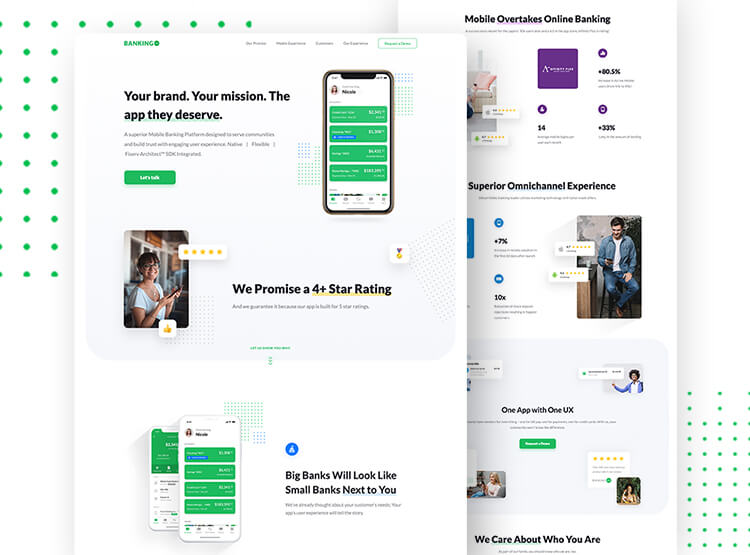
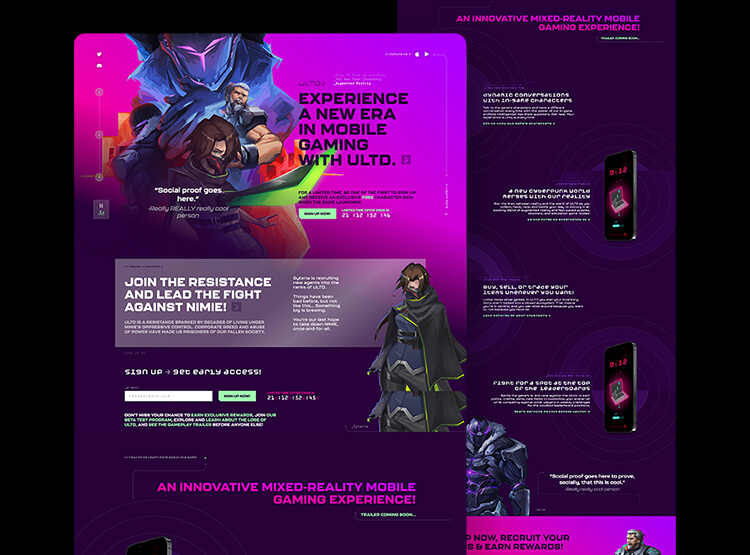
Use our Webflow On-Demand service for your next project. Start fast, cancel anytime, or stay on for ongoing support—no contracts, no minimums, no surprises.
For who: Best for teams comfortable operating independently with structured guidance.
Migrate your website to Webflow—launch faster, cut costs, and break free from engineering bottlenecks.












Move beyond slow development and launch cycles. Webflow gives anyone on your team the control to update, launch, and iterate—without waiting on developers.
Webflow enables marketing and product teams to launch campaigns, update content, and test new pages instantly—without developer delays. Ship faster, optimize continuously, and drive better results with full creative control.
Webflow is made for every team, not just techies. Webflow’s no-code builder gives marketing and product teams full control to create, update, and scale their site—without technical roadblocks. Make changes instantly and keep your website evolving with your business.
Webflow connects directly with AI tools like ChatGPT, Claude, and Cursor through MCP—so teams can use natural language to create pages, manage content, and evolve their site. With reusable components, variables, CMS structure, and AI instructions, your website can stay governed, on-brand, and ready for how teams will work next.
Webflow’s built-in hosting delivers fast, secure, and scalable performance—no plugins or maintenance required. Keep your site running smoothly with enterprise-grade speed and reliability.
Webflow empowers teams to scale effortlessly with collaborative workflows, reusable components, and a flexible CMS. Build, iterate, and grow—without outgrowing your website.
Webflow’s built-in SEO tools give you full control over metadata, clean code, and automatic optimizations—helping your site rank higher without extra plugins. With fast loading speeds, customizable schema markup, and seamless 301 redirects, you can maintain search visibility and drive more organic traffic.
Forget managing multiple integrations. Webflow’s Marketplace offers 100+ integrations, apps, and templates—connecting your site with the tools you already use. Automate workflows, enhance functionality, and scale faster with seamless, no-code solutions.
With Webflow’s Interactions and Animations (IX2) platform, you can create engaging, interactive experiences without writing code or relying on external libraries. Bring your website to life with smooth animations, hover effects, and scroll-based triggers—all built directly into Webflow for maximum performance and customization.
Webflow’s powerful API and custom integrations allow you to connect with any tool or app, extending its functionality to fit your unique needs. Whether it’s syncing with your CRM, automating workflows, or pulling in third-party data, Webflow ensures your site works seamlessly with your entire tech stack.
Webflow is an all-in-one solution for design, development, and hosting—giving your team everything they need to create, launch, and manage your site in one place. Streamline workflows and accelerate time to market
Webflow offers cost-effective maintenance, eliminating the need for ongoing developer support and expensive updates. This translates into significant savings by reducing site management costs, allowing you to focus your resources on growth and innovation.
We review your existing website, including CMS structure, backend setup, and key functionality. Then we organize and migrate your content into Webflow for a smooth transition.
We rebuild your site in Webflow for accuracy, performance, and scalability—migrating SEO-critical elements, implementing technical SEO and AEO best practices, and preparing your site for AI-powered management through Webflow MCP.
We test your Webflow site across browsers and devices, fix any issues, and manage the final launch. After go-live, we provide post-launch support to help ensure a smooth transition and address anything that comes up.
Learn which Adaptable service fits your goals. Start with a proof-of-concept or 15-day trial—so you can be confident we’re the right partner before committing.

We start with a quick call to understand your goals, then recommend the best path to launch that's clear and built around your needs.

You get a dedicated project manager who will align with your goals, guide the process, map out your timeline, and lead your creative and technical team from start to launch.

You’ll get deliverables in sprints, giving you full visibility into progress, faster feedback loops, and the flexibility to adjust as we build.

Review everything with your team to make sure it’s polished and ready. We’ll handle QA, gather feedback, and prep training materials for a smooth launch.

Launch your new website! We’ll help with launch and stay available for post-launch updates, fixes, or ongoing support.
Trusted by 300+ forward-thinking brands and the agencies behind them. From landing pages to MVPs to 100+ page marketing sites, we deliver Webflow builds that perform and scale.
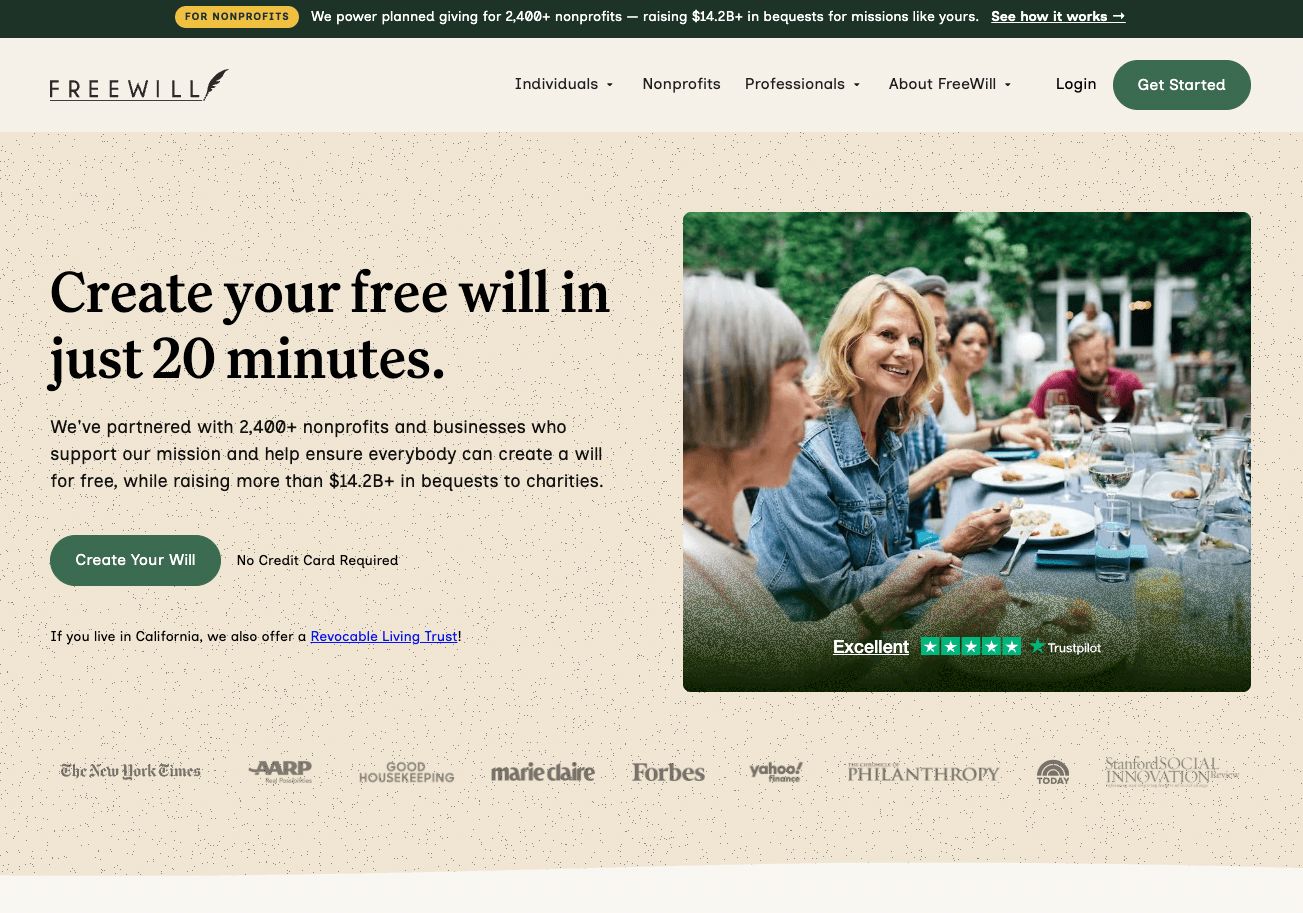
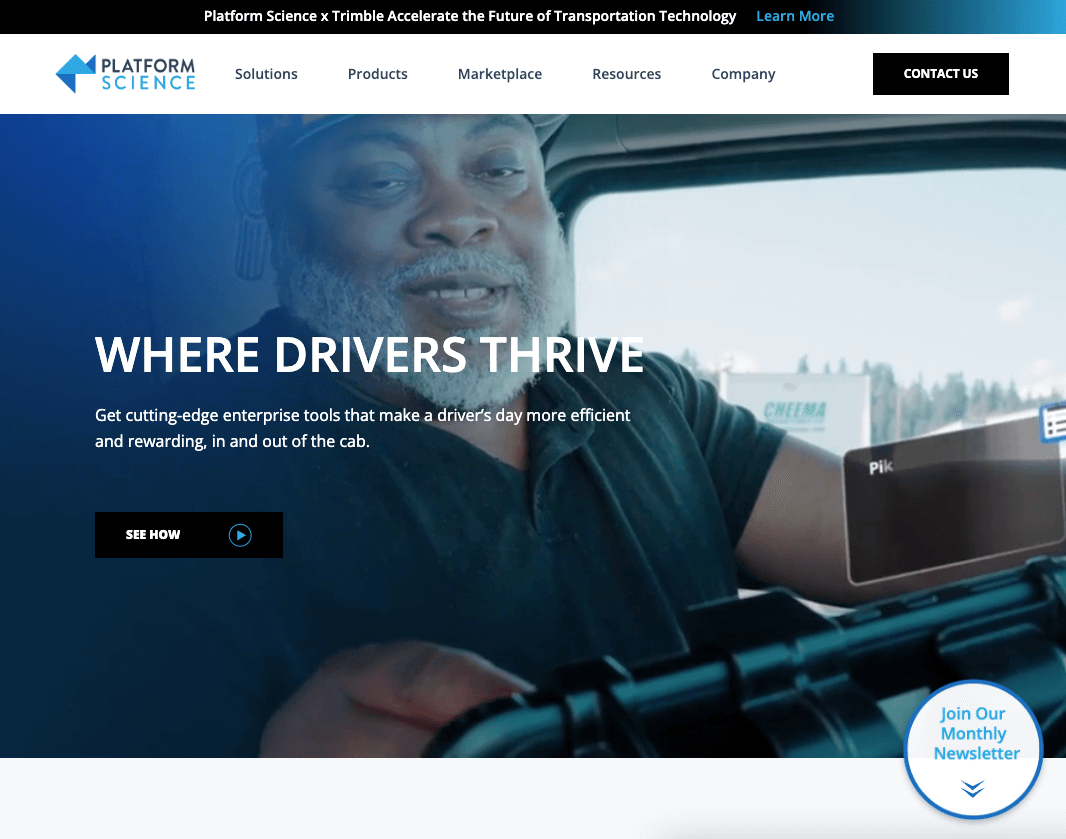

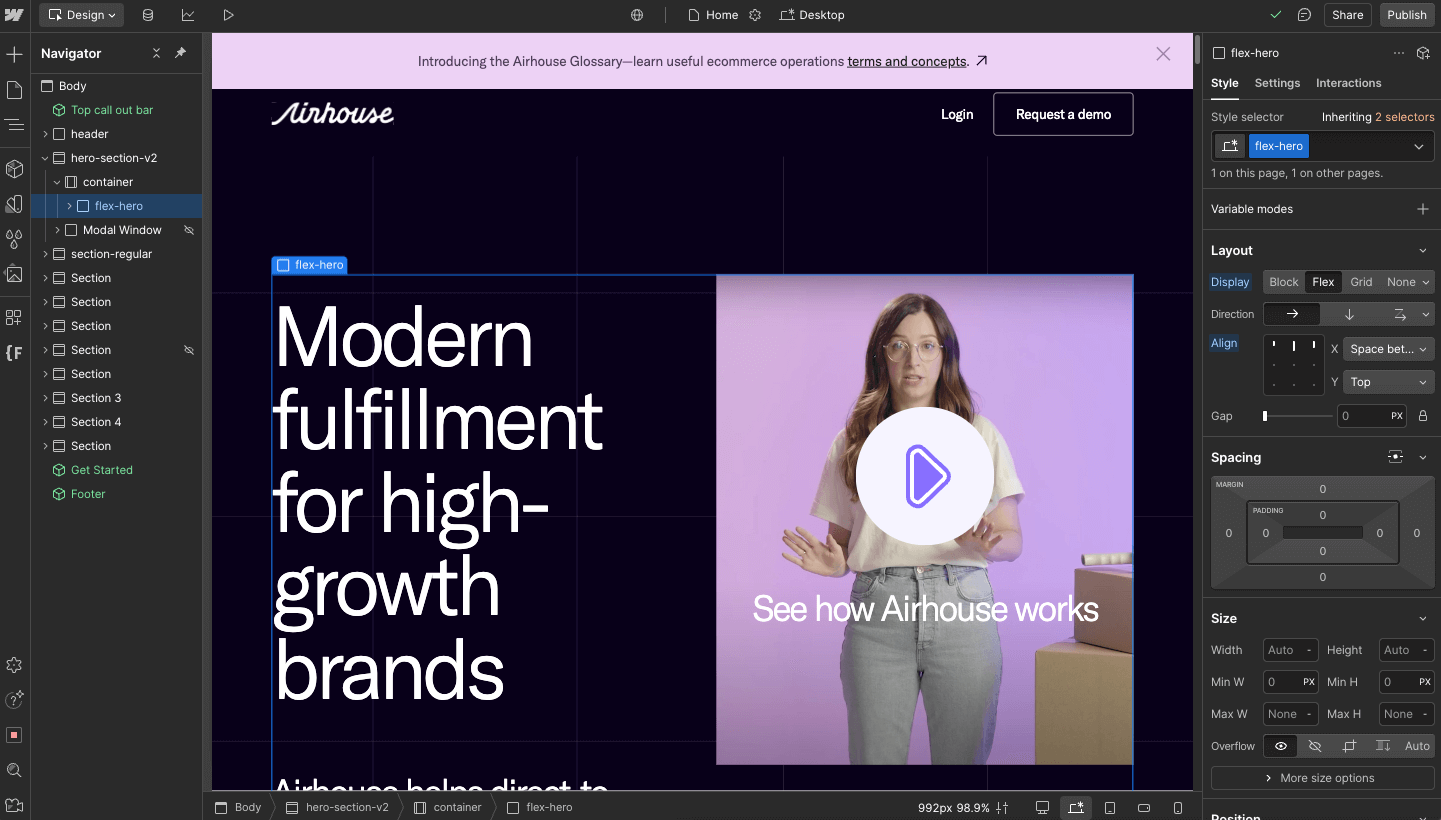
Teams across funded startups, professional services firms, and enterprises trust Adaptable as their go-to Webflow partner.


























Migrate your site exactly as is or enhance it. Adaptable's capabilities cover it all—big or small. You’ll never hear “it can’t be done” again.
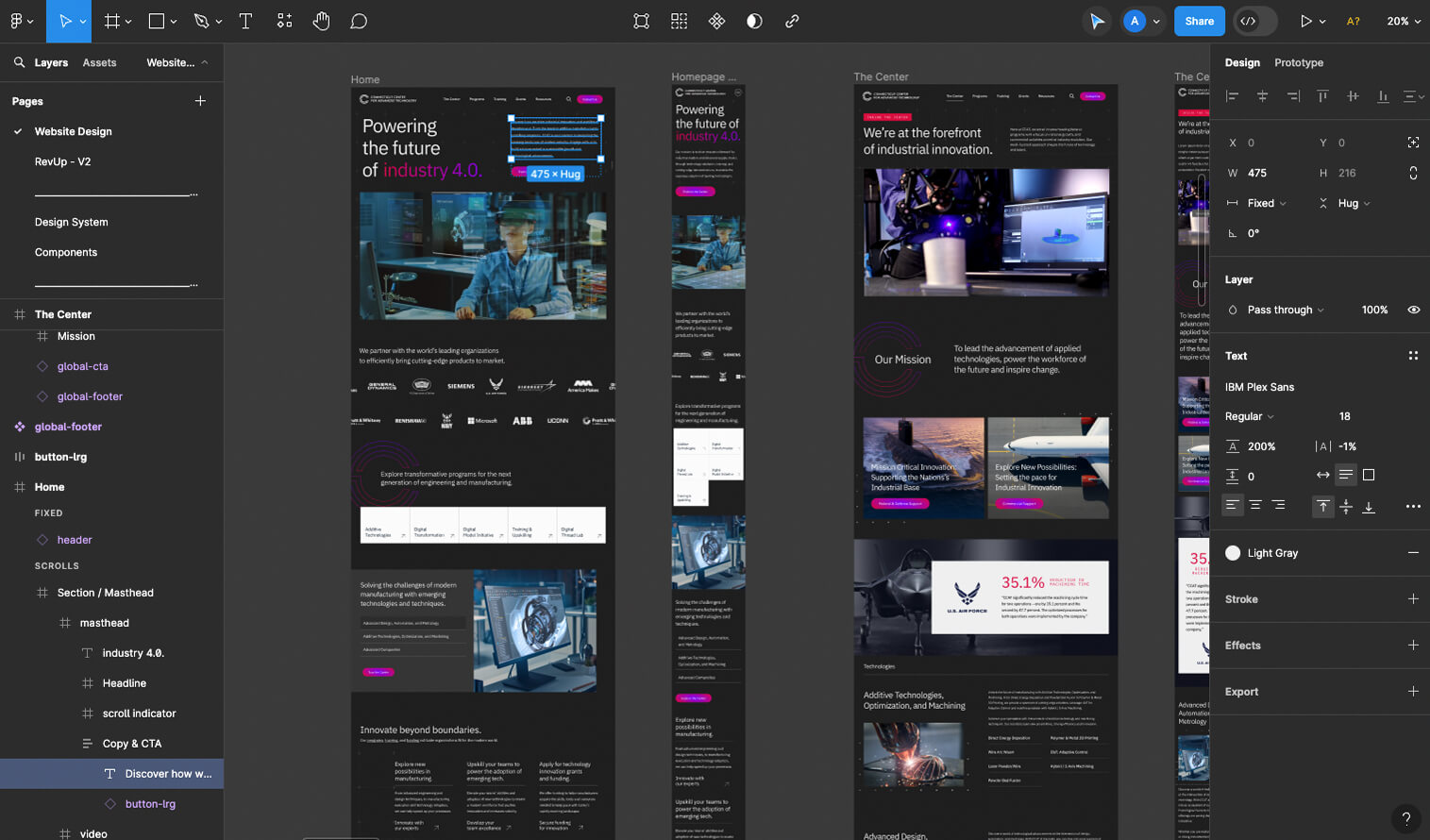
You get conversion-focused UI/UX designed in Figma or accelerated with Claude using your existing brand system, components, and visual language. Whether we’re creating something net-new or extending an established ecosystem, the result stays polished, intentional, and on-brand.
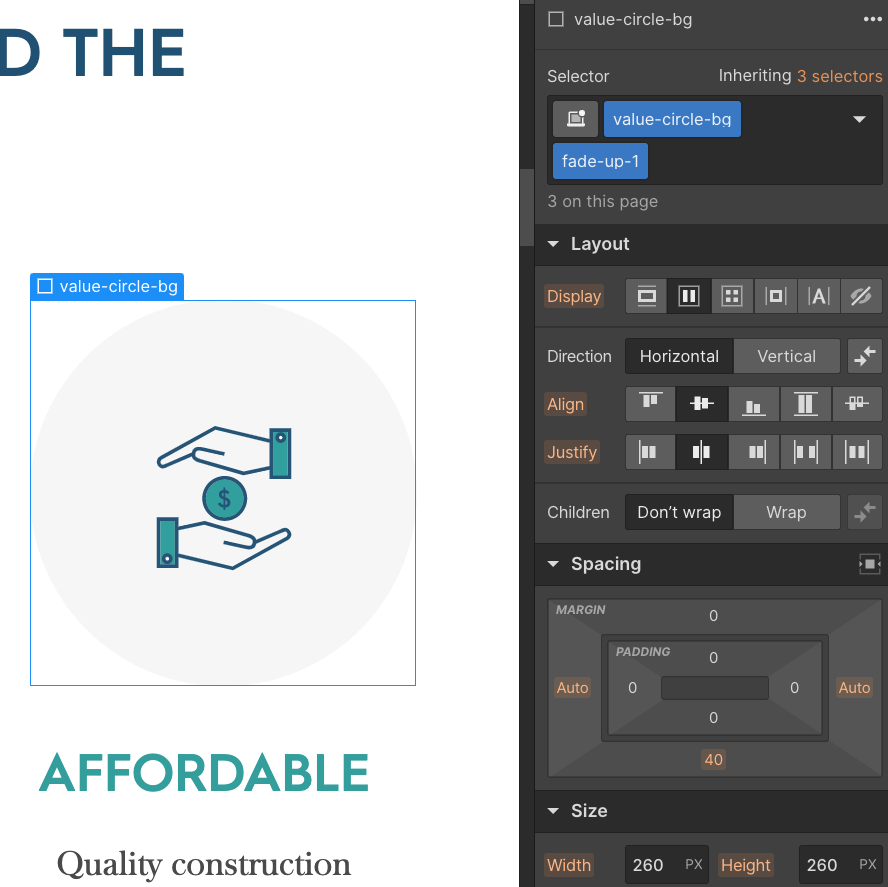
We're Webflow Partners and only do Webflow. You get clean, scalable builds using Webflow’s native Designer. No fiddling with code, no handoff issues, just easy-to-manage sites.
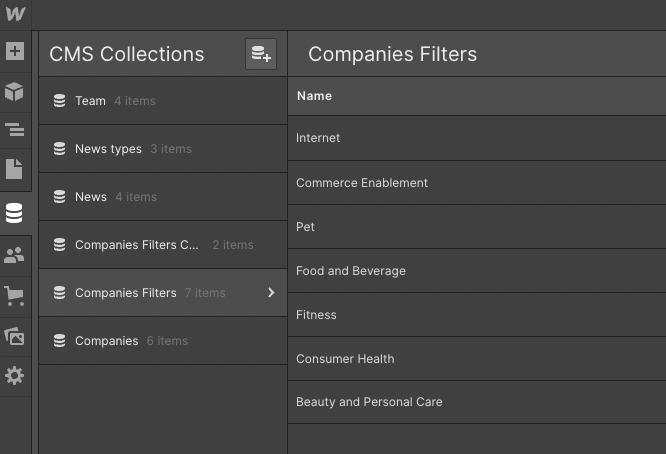
You get expert setup and management of Webflow’s CMS and project settings—structured for scale, performance, and easy updates.
You get advanced animations and interactions built natively in Webflow. No custom code, fully editable, and smooth across devices.
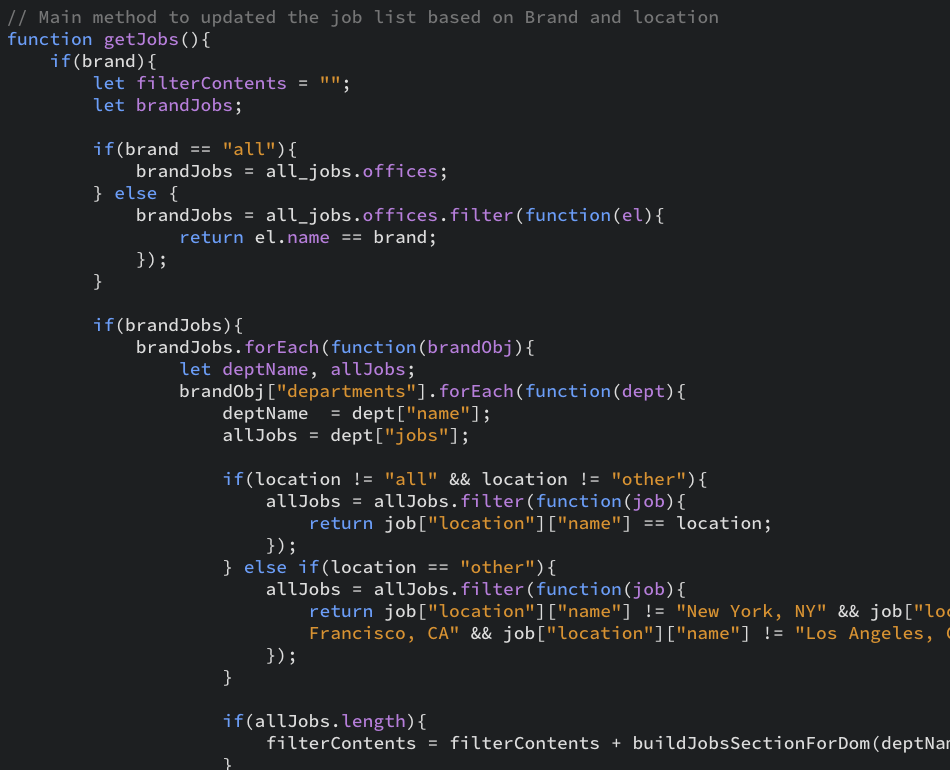
You get the flexibility to go beyond Webflow’s native tools with custom-coded solutions for API integrations, special features, and unique interactions.
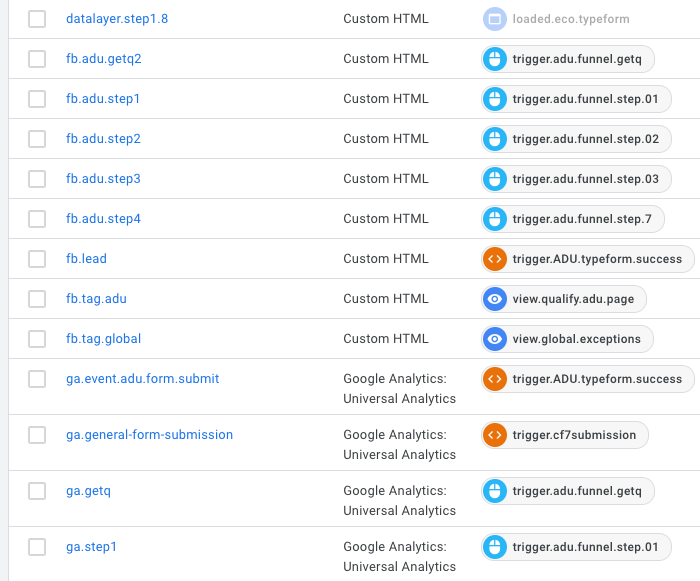
You get expert setup for analytics, goals, events, and A/B testing—so you can measure what matters and optimize with confidence.
You get clear, compelling copy written by editors with AI support—perfect for landing pages, product descriptions, and service content.
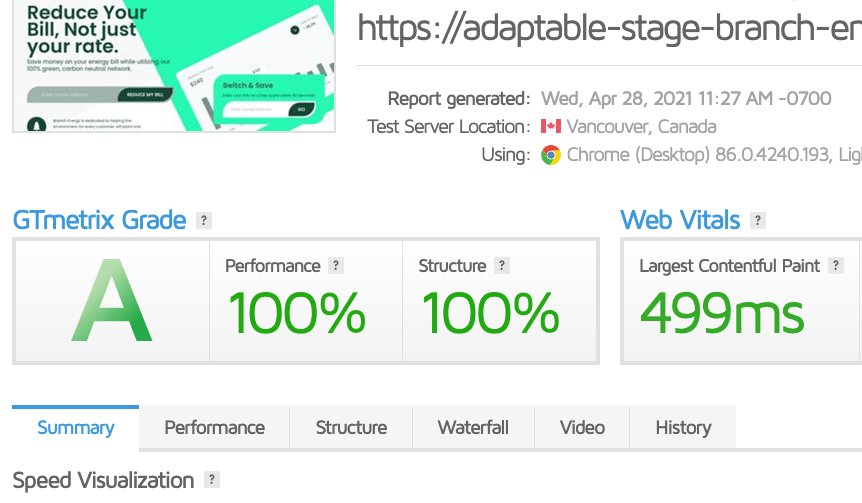
You get a site built for strong technical search performance—with clean semantic structure, optimized metadata, logical heading hierarchy, fast-loading pages, crawlable content, and migration-safe redirects that help preserve existing rankings.
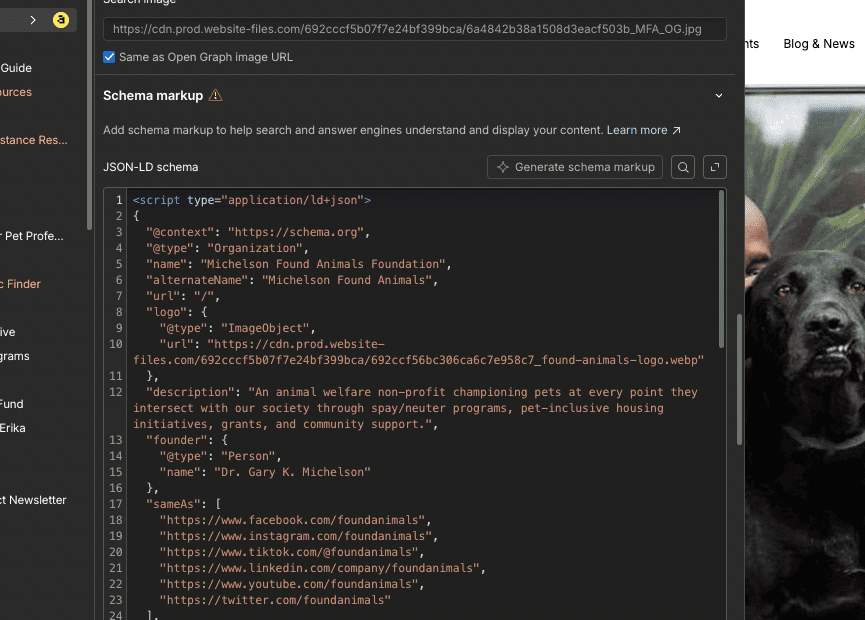
You get content structured for AI search and LLMs—using schema, clear content relationships, entity signals, and machine-readable markup that helps your brand get understood and cited.
You get a Webflow site built for AI-assisted management—with scalable components, variables, CMS structure, and agent instructions that help AI tools like Claude and ChatGPT work within your brand and system.













Our battle-tested team of top designers, Webflow developers and technical specialists from around the world allows us to offer exceptional work with a faster turnaround.

Choose a pricing model that fits your preference—simple, flexible, and built to scale with you.

We’re certified Webflow partners with experience migrating 70+ websites from legacy CMS platforms. Our process ensures high-fidelity development across all screen sizes, featuring clean code, modular components, and industry-standard naming conventions.
We know how critical SEO and performance are during migration. Our team ensures that key elements like URLs, metadata, and content hierarchy remain intact while optimizing site structure and implementing best practices to maintain or even improve your search rankings.
If you're looking to move from your current content management system (CMS) to Webflow’s intuitive platform, we’ll ensure a smooth transition. Our team will migrate your content, preserve data integrity, and configure Webflow’s CMS to fit your content structure and management needs.
Want to make changes or improvements during migration? We can update your design, add new features/functionalities, and implement custom solutions to maximize your migration’s impact and enhance your website’s performance.
Every project is unique, but our proven migration process ensures a faster turnaround—so you can launch sooner, minimize disruptions, and start seeing results quicker.
Your dedicated project manager ensures a seamless migration experience, keeping you informed and supported through your project dashboard.
From initial design to post-launch support, we offer comprehensive services to ensure your Webflow website is not only beautiful but fully functional, optimized, and ready to grow with your business.
We don’t inflate prices with fluff or portfolio clients like traditional agencies. Our clear, efficient process and technical expertise ensure you only pay for the core value we deliver. All services are backed with a risk-free trial or POC.
Adaptable is a US-based, certified Webflow partner with over 1,170 launches and collaborations in Webflow. Our service gives teams a dedicated, managed Webflow team—without the hiring headaches or high agency costs.






A properly planned migration should preserve your existing SEO value, although some temporary ranking fluctuations can happen while search engines recrawl and reindex the new site. We audit your URLs, metadata, content, internal links, canonicals, structured data, and other SEO signals before rebuilding. Wherever possible, we preserve existing URLs and use permanent 301 redirects when changes are necessary.
Google specifically recommends URL mapping, permanent redirects, sitemap updates, thorough testing, and post-launch monitoring during a site migration—and confirms that permanent redirects do not inherently cause a loss of PageRank. See Google's official site migration guidance
A Webflow migration is typically a rebuild rather than a one-click transfer. We recreate your page layouts and styles in Webflow, rebuild the CMS and backend structure, migrate your content and assets, reconnect integrations, implement redirects, and fully test everything before launch.
Webflow itself describes migrations from platforms such as WordPress, Squarespace, Wix, and Framer as rebuilds rather than automated conversions. See Webflow's official migration overview
In most cases, yes. We can migrate structured content such as blog posts, resources, case studies, team members, locations, categories, images, and other CMS data.
We first map your existing content model to a clean Webflow CMS structure and prepare the data for migration. Legacy sites often contain platform-specific formatting, shortcodes, outdated HTML, proprietary fields, or inconsistent content that needs to be cleaned up before import.
Webflow supports CMS content import and export through CSV, including rich text and image fields, although some data types have limitations that may require additional migration work. See Webflow's CMS import documentation
We preserve your existing URL structure wherever possible. If a URL needs to change because of a new CMS structure, page hierarchy, or content consolidation, we map the old URL to the most relevant new destination with a permanent 301 redirect.
This helps protect search visibility, backlinks, and the user experience after launch. Webflow supports 301 redirects directly within the platform, and Google recommends URL mapping and permanent redirects as a core part of any site migration. See Webflow's redirect documentation
In most cases, yes—but this is something we validate before recommending the migration.
Webflow can connect with CRMs, analytics platforms, marketing tools, automation systems, APIs, forms, and other third-party services. During discovery, we audit your existing functionality and determine what can be rebuilt natively in Webflow, what should be handled through an app or integration, and where custom development is required.
Webflow supports both Marketplace Apps and APIs for extending the platform and connecting third-party services. Explore Webflow Apps and Webflow's API capabilities
That is one of the biggest reasons organizations move to Webflow.
We build around reusable components, structured CMS Collections, variables, and clearly defined content fields so marketing teams can manage content, publish updates, create new pages from established systems, and make routine changes without relying on developers for every request.
More complex structural or functional changes may still require a Webflow specialist, but day-to-day website management becomes significantly more accessible to non-technical teams.
Your existing website remains live while we build and test the new Webflow site separately.
Before launch, we prepare redirects, domain settings, analytics, forms, tracking, and other dependencies. Once everything is approved, we coordinate the final DNS cutover and test the live environment immediately after launch.
This approach is designed to minimize disruption and reduce migration risk. Google similarly recommends fully preparing and testing the new site before starting a site move, then monitoring traffic and indexing after launch. See Google's site move recommendations
Yes. Webflow gives teams direct control over important technical SEO elements such as metadata, heading structure, canonical URLs, redirects, sitemaps, robots settings, structured data, semantic HTML, and site performance.
Moving to Webflow does not automatically improve rankings. SEO performance still depends on your content, architecture, authority, technical implementation, and ongoing strategy.
We use the migration as an opportunity to preserve what is already working while improving the site's technical SEO foundation.
Yes. We can structure a Webflow site so its content is easier for search engines and AI-powered discovery systems to crawl, understand, and reference.
That includes strong technical SEO, semantic HTML, structured data, clear information architecture, crawlable content, internal linking, and content relationships that help machines interpret what your business, pages, and entities are about.
The important distinction is that there is no single AEO tag or shortcut that guarantees placement in AI-generated answers. The strongest foundation is still technically sound, authoritative, well-structured content.
Webflow can connect directly with AI tools and agents through its MCP server, allowing teams to work with their Webflow projects using natural-language instructions.
Depending on permissions and the task, AI agents can work with pages, CMS content, components, styles, variables, assets, custom code, and other site data. Webflow also supports site-level Agent Instructions, which let teams define reusable rules and guidance tied to their design system, components, CMS structure, and other site resources.
That means we can structure your Webflow site not just for today's team, but for increasingly AI-assisted website management workflows. See Webflow's official MCP documentation and how Agent Instructions and governance work
For sites hosted directly on Webflow, much of the underlying infrastructure is managed by Webflow.
You do not need to maintain a separate hosting environment or continually update a collection of CMS plugins just to keep the core website running. Webflow provides managed hosting, SSL provisioning, infrastructure delivery through Cloudflare, and ongoing platform maintenance. See Webflow's hosting overview.
This can significantly reduce the routine technical maintenance associated with more traditional CMS stacks.
Webflow allows paid Workspace users to export a site's front-end HTML, CSS, JavaScript, and assets, and CMS content can be exported separately.
There is an important distinction: Webflow-specific functionality such as the CMS database, Ecommerce, localized content, site search, and other platform features do not become a standalone Webflow system when the code is exported. Those features would need to be rebuilt or replaced if you later moved to another platform.
So while your front-end code and content are portable, some platform functionality naturally remains tied to Webflow. See exactly what Webflow code export includes and excludes.
It depends on the size and complexity of your website.
The biggest factors are usually the number of unique page designs, CMS content volume, custom functionality, integrations, SEO requirements, and whether we're recreating the existing website or improving it at the same time.
A typical migration includes discovery and auditing, architecture, Webflow development, CMS and content migration, integrations, SEO migration, QA, launch, and post-launch support. Once we review your existing site, we can provide a much more accurate project timeline.
No. We can rebuild your existing website in Webflow as closely as needed, make targeted improvements during the migration, or combine the migration with a larger redesign.
For SEO-sensitive websites, it can sometimes be beneficial to avoid changing too many major variables at once. Google recommends separating major changes—such as a CMS migration, domain change, and redesign—when practical so the impact is easier to manage and diagnose. See Google's guidance on changing one thing at a time during migrations.
The right approach depends on your goals, budget, timeline, and how much of the current experience is worth preserving.
Changing platforms alone does not automatically increase conversions or generate demand.
The value of Webflow is that it gives your team a faster and more flexible foundation for improving the website over time. We can use the migration to improve performance, usability, messaging, page structure, and conversion paths while making it easier for your team to launch, test, and optimize new experiences after the site goes live.
The platform creates the foundation; the quality of the experience, offer, content, traffic, and ongoing optimization ultimately determines the result.
👋 Hi, in your 30-minute consultation, we’ll review your goals, recommend the best-fit solution, share a relevant client example, and provide a clear price estimate with next steps.
👋 Hi, in your 30-minute consultation, we’ll review your goals, recommend the best-fit solution, share a relevant client example, and provide a clear price estimate with next steps.